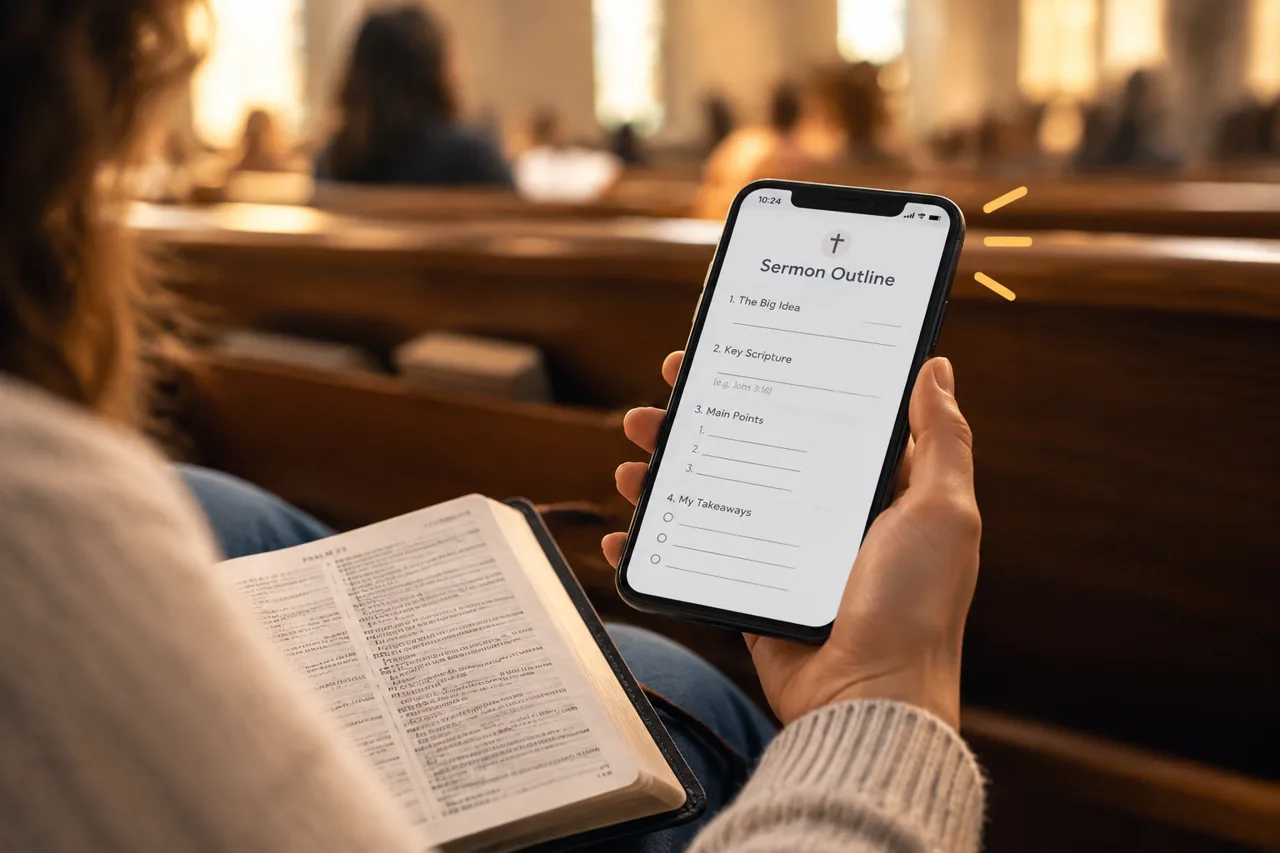
Paper fill-in-the-blank notes get left in the pew. Here is how to give people the outline on their phone and let them write their own notes, with no app needed to read.
Short answer: put the sermon outline on a web page people open by QR code, and let them keep their own notes beside it. Keep the blanks as a habit, not a puzzle: show the main points and leave room to respond.
Fill-in-the-blank handouts work because they keep people listening for the next point. The problem is what happens after: most sheets stay in the pew or go into a drawer. A phone outline goes home with the person and is still there on Tuesday.
A paper outline does its job for forty minutes. After that, it is hard to find, hard to share and impossible to update if you change a point on Saturday night.
In Epyst, a sermon outline is a deck: a short set of cards that reads well on a phone.
On paper, a blank makes people write the key word. On a phone, the better habit is a short response.
If you show the QR code on the screen before the sermon, people follow along. If you send the link after, people review. Many churches do both: QR code on the bulletin and screen on Sunday, then the same link by text or email on Monday.
Creating and sharing decks is free. You can make your first deck free.
No. The deck opens in any phone browser from the link or QR code. The Epyst app is only needed if a reader wants to keep private notes on the deck.
Yes. Many churches print a short sheet for people who prefer paper and put the QR code on it, so the full outline is also on their phone.
Yes. Edit the deck and the same link shows the new version. You do not need to send a new link.
See how Epyst makes digital sermon notes people open on any phone, with no app to install.
Related guides:
More guides for churches and ministries: Epyst guides.