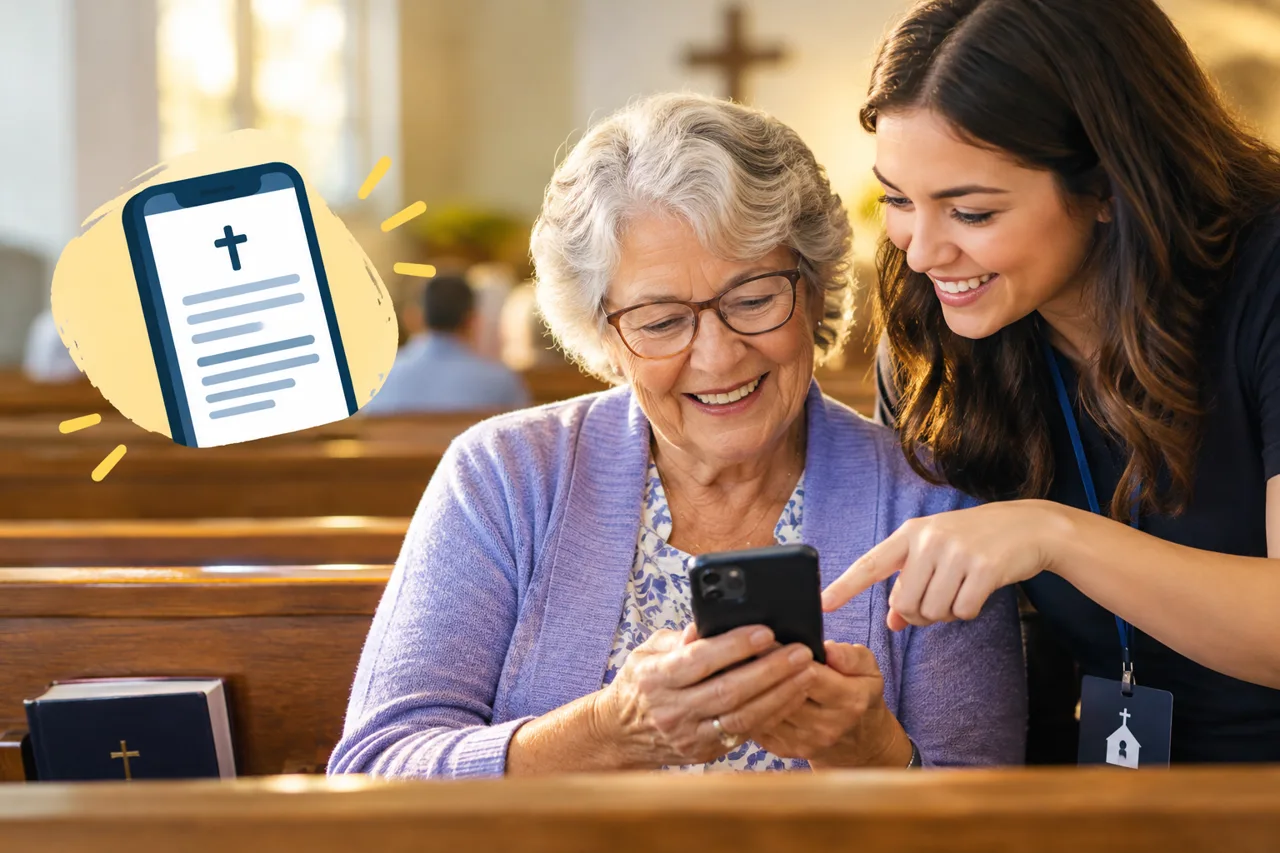
Moving sermon notes to phones should not leave older members behind. Here is how to make digital notes easy for every age, and keep paper for those who want it.
Short answer: keep one simple path: a QR code or a text message link that opens the notes in the phone's browser, with no app, account or password. Show people once, in person, and keep a printed copy for anyone who prefers paper.
Many older members use smartphones every day for texts, photos and calls with family. What stops them is not age. It is extra steps: downloads, accounts and passwords. Take those away and most people are comfortable.
For members who do not scan codes, a weekly text with the link is easiest. Most people already open links their family sends them. Send it Sunday morning or right after the service.
Print a short version for anyone who wants it, with the QR code on it. People can use both, and nobody is left out.
In Epyst, each sermon becomes a deck that opens by link or QR code. The text uses the phone's own reading size. Making and sharing decks is free, so you can make your first deck free.
No. Keep a printed version for anyone who wants it, and put the QR code on it. Many older members use both.
Yes. The page uses the phone's normal text and zoom settings, so people can read it at the size they are used to.
No. The notes open in the phone's browser from a QR code or a text message link.