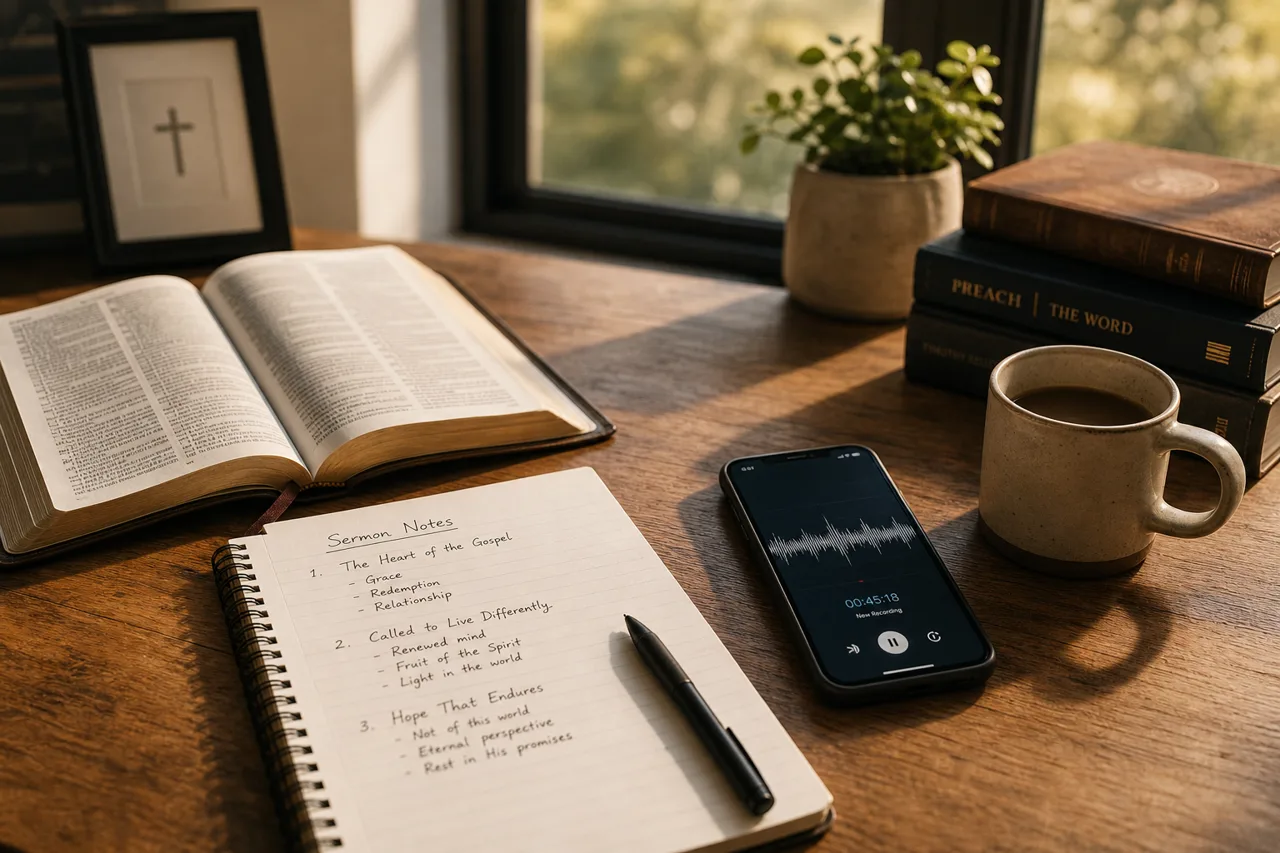

How to Turn Your Sermon Audio Into Sermon Notes Worth Sharing
Most pastors already have sermon audio sitting on a phone or in the cloud — and it's just one step away from becoming notes your congregation can actually read, revisit, and share.
How to Turn Your Sermon Audio Into Sermon Notes Worth Sharing
Most pastors already have a small archive of sermon audio sitting somewhere — a recording app on a phone, a file the sound booth exports every Sunday, a livestream that quietly saves itself to the cloud. The message got preached, the recording got made, and then it mostly went to sleep. If you have ever wondered how to turn your sermon audio into sermon notes your congregation can actually read and share, you are sitting on more ministry value than you might realize, and getting it out is easier now than it has ever been.
The gap is not effort. You already did the hardest part when you studied the passage, wrote the message, and stood up to deliver it. The gap is format. Audio is wonderful for the person sitting in the room or driving with the radio on, but it is a poor fit for the way most people revisit a message during the week. Nobody scrubs back through a forty-minute recording to find the one point that stuck with them. They want to skim, reread a line, and pass it along. That means the recording you already have is one step away from becoming something far more useful.
Why Audio Alone Leaves Value on the Table
A sermon recording is a single, linear thing. To get to minute twenty-eight, you have to travel through the twenty-seven minutes before it. That is fine on Sunday morning, but it works against you every other day of the week. The member who wanted to send your closing illustration to a struggling friend cannot easily do that with an audio file. The small group leader who wanted to build a discussion around your three main points has to transcribe them by hand first.
Text solves all of this at once. Written notes are searchable, skimmable, and shareable in a way audio never will be. They show up in a group chat as a readable message instead of a file someone has to download. They can be reread in ninety seconds instead of replayed in forty minutes. Turning your audio into notes is not about replacing the sermon — it is about giving the same message a second form that travels where audio cannot go.
Start With What the Recording Already Gives You
The good news is that you do not have to transcribe anything by hand anymore. Speech-to-text tools have gotten remarkably good, and most will take a sermon recording and hand you back a full written transcript in the time it takes to refill your coffee. That raw transcript is your starting material, not your finished product, but it saves you the single most tedious step in the whole process.
From there, your job is editing, not writing. Read through the transcript and pull out the spine of the message: the main passage, the central idea, the two or three points you built the sermon around, and the illustration or two that landed hardest. Cut the verbal filler, the false starts, and the tangents that made sense out loud but read awkwardly on a page. What remains is a clean, honest version of what you actually said — shaped for the eye instead of the ear.
Shape the Notes for the Person on the Other End
Once you have the bones of the message in text, think about who is going to read it and where. Most of your people will open these notes on a phone, in a spare moment, maybe days after Sunday. That reader is served by structure. Give the notes a clear title, break the body into short sections with headings that match your sermon points, and put the scripture references where they are easy to find. A wall of unbroken text will lose them; a clean, scannable layout will keep them.
It also helps to end with something forward-looking. A question or two that invites reflection turns a passive recap into an active prompt, and it gives small groups and families something to talk about during the week. You are not just archiving what was said on Sunday — you are handing people a tool they can use to keep the conversation going. That small addition is often what turns a set of notes from a document nobody opens into something people genuinely engage with.
Build a Repeatable Weekly Rhythm
The first time you do this, it will feel like a project. By the third or fourth week, it becomes a routine — and routine is where the real payoff lives. When turning Sunday's audio into shareable notes is a fixed part of your weekly rhythm, your congregation comes to expect it. They start looking for the notes on Monday. They forward them to friends who missed the service. The single Sunday message quietly grows a much longer life.
The key is to keep the process light enough that you will actually sustain it. Pick a consistent day, use the same simple steps each week, and resist the urge to over-produce. Rough but reliable beats polished but abandoned every single time. A congregation that receives good-enough notes every week is far better served than one that gets a beautiful edition once and then never again.
A Simpler Path From Audio to Shareable Notes
If the editing-and-formatting part is what has kept you from starting, that is exactly the friction worth removing. Tools like Epyst make it easy to turn your sermon notes into a shareable deck your congregation can open on any device — a clean, card-based format that reads well on a phone and passes easily from one person to the next. The recording you already make every Sunday is the raw material. The message you already preached deserves a second form that your people can hold onto, return to, and share. This week, try giving it one.