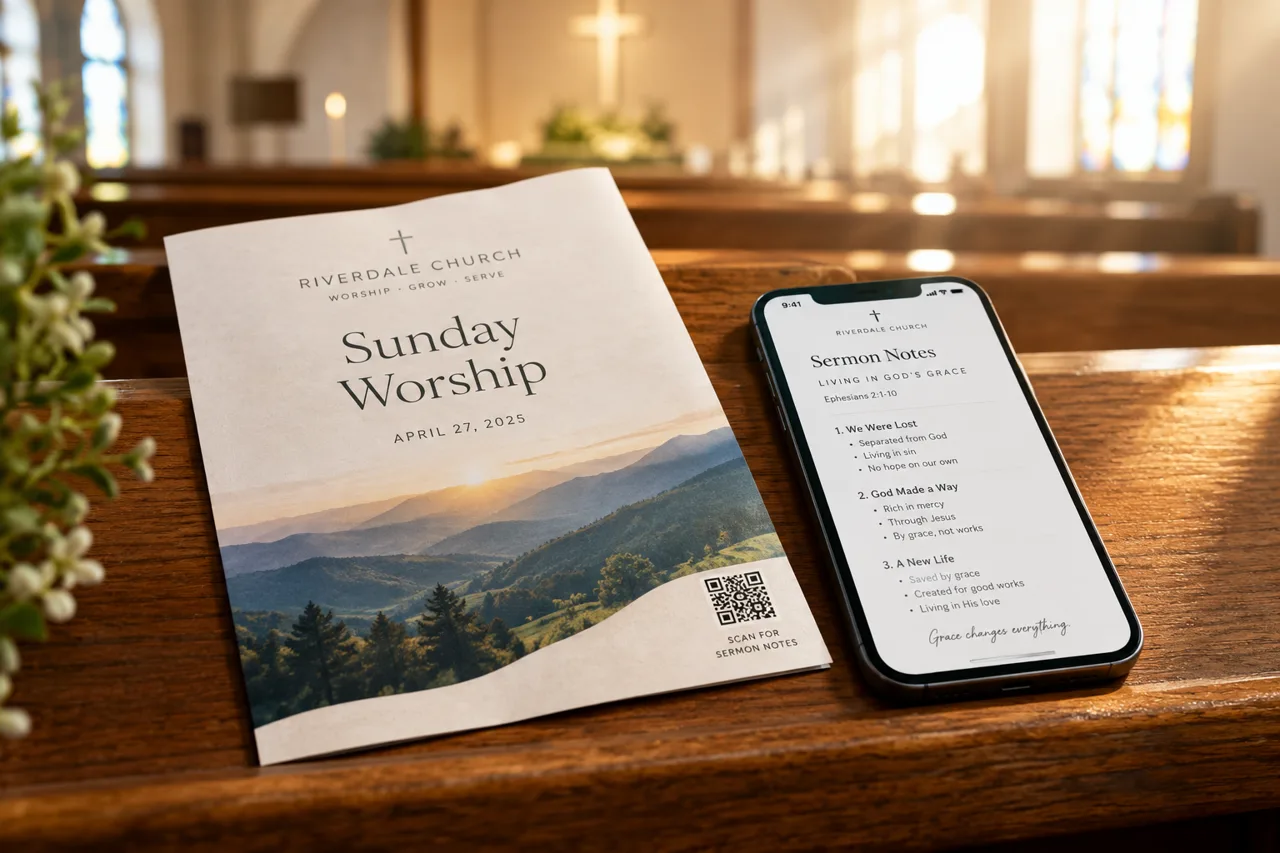
Put a QR code in your bulletin that opens this Sunday's sermon notes on any phone. Make the page, copy its QR code, and print it. No app needed to read.
Short answer: make a web page with the notes you want people to have, copy that page's QR code, and place it in the bulletin with one short line that says what it opens. When someone points a phone camera at the code, the page opens in the browser. They do not need an app or an account.
This guide shows the steps with Epyst, where each sermon or announcement becomes a deck: a short set of cards that reads well on a phone. The same steps work for any page you want people to open from paper.
A QR code is only as useful as the page behind it. Before you print anything, decide what one thing the code opens. Good choices for a bulletin are:
One code, one page. If you print three codes, people do not know which one to scan.
Creating and sharing decks is free. You can make your first deck here.
If you print the code on a bulletin template you reuse, point it at a page you can keep current, such as your church's Epyst profile, where each new deck appears. Then the printed code still works next month. For a one-week bulletin, a code for that Sunday's deck is the simpler choice.
Some pastors prefer phones away during the sermon. The code still helps: people can scan it after the service and keep the notes for the week.
No. A public Epyst deck opens in the phone's browser from the QR code.
Yes. The QR code points to the deck, so edits you make later show up for everyone who scans it.
Yes. Show the same image on a slide before or after the service, so people who did not pick up a bulletin can scan it too.
Want people to open your notes in one scan? See how a sermon notes QR code works with Epyst.
Related guides:
More guides for churches and ministries: Epyst guides.