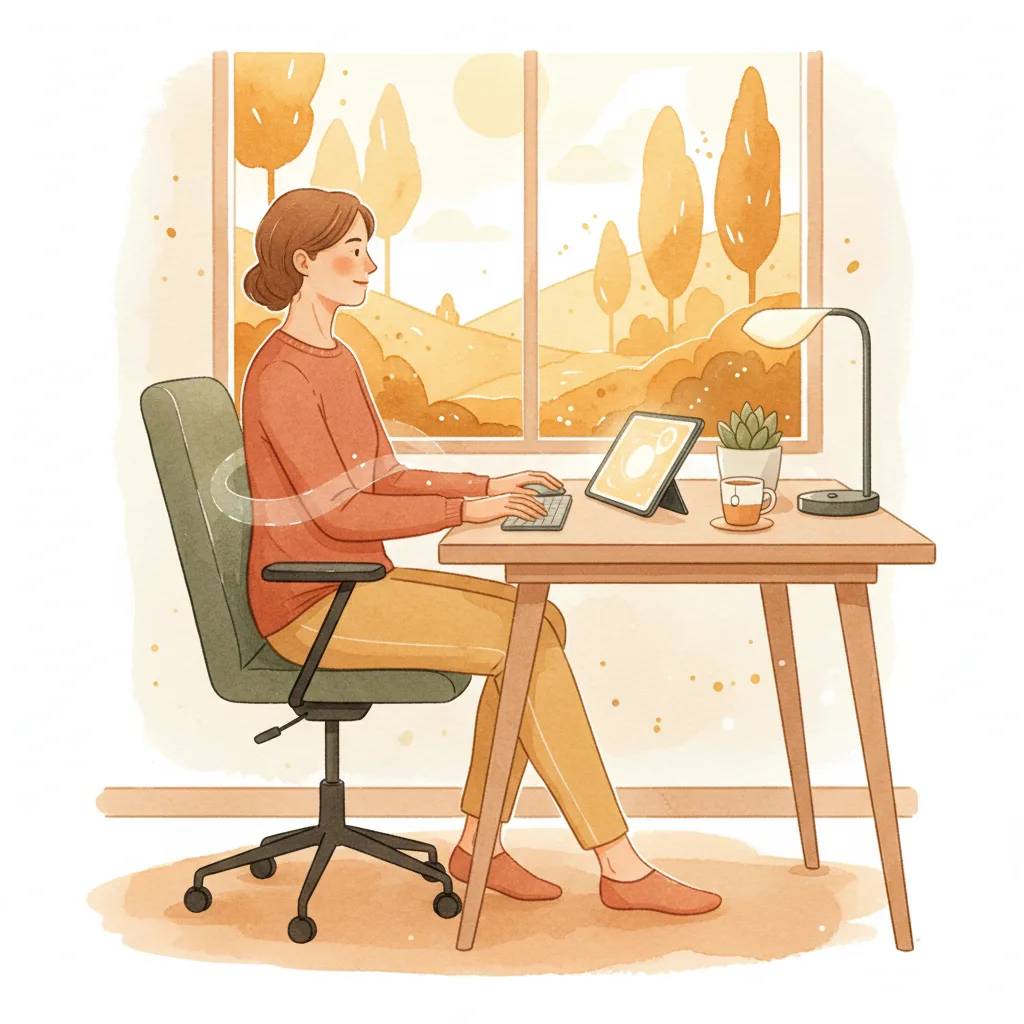

Desk Posture Rx: Stop Pain, Boost Productivity
As a chiropractor, I see daily the toll a poorly set up desk takes. This deck offers practical, evidence-based strategies to optimize your workspace, prevent common aches, and boost your well-being.
Your body craves movement. Even the best ergonomic setup won't replace it. Set a timer: every 30 minutes, stand up, stretch, walk to get water, or just shift your position. Break up prolonged static postures.
It sounds simple, but this habit is a game-changer for reducing stiffness and improving circulation. Make it non-negotiable.
Forget the idea of one "perfect" posture. The human body thrives on variety. Shift positions, fidget, stand, sit, stretch. Constant movement, even subtle, is more beneficial than holding a static "good" posture for hours.
Embrace dynamic movement as your ultimate ergonomic strategy. Your spine will thank you.
You’ve probably heard "sit up straight" your whole life. While good intentions, it's an oversimplified directive that often leads to more tension. The truth is, static "perfect posture" isn't natural or sustainable. Our bodies are designed to move, and that's the core principle of a truly ergonomic setup.
Instead of bracing yourself into an uncomfortable ideal, let's focus on creating an environment that supports natural movement, reduces strain, and promotes comfort throughout your workday. This deck isn't about rigid rules; it's about smart adjustments and practical habits.
Your chair is where it all starts. Adjust it so your feet are flat on the floor or a footrest, with your knees at roughly a 90-degree angle or slightly open. Your hips should be slightly higher than your knees. Ensure your lower back is supported, either by the chair's lumbar support or a cushion. You should feel a gentle curve in your low back, not a slouch.
The goal isn't to be stiff, but to provide a stable, balanced base that minimizes unnecessary muscle tension in your back and neck.
This is critical for preventing neck and upper back pain. Position your monitor so the top of the screen is at or slightly below eye level. You should be able to view the entire screen without tilting your head up or down excessively. Distance matters too: generally, an arm's length away is a good starting point.
If you use multiple monitors, place your primary monitor directly in front of you and arrange secondary screens to minimize excessive head rotation. Your eyes should feel comfortable, not strained.
Keep your keyboard close, so your shoulders are relaxed and your elbows are at your sides, bent at about 90 to 100 degrees. Your wrists should be straight – avoid bending them up or down excessively. Consider an external keyboard and mouse if you're primarily using a laptop, as this allows for better monitor and hand positioning.
Using a mouse? Keep it close to your body to avoid overreaching, which can strain your shoulder. If you find your wrist aching, a vertical mouse might be worth exploring.
As mentioned, your feet should be flat on the floor. If they dangle, use a footrest. This helps stabilize your pelvis and lower back. Avoid crossing your legs for prolonged periods, as this can create imbalances in your hips and potentially compress nerves.
Keep some space between the back of your knees and the front edge of your chair to prevent pressure on blood vessels and nerves. Good circulation in your lower limbs is key for overall comfort and health.
Beyond the 30-minute rule, incorporate "micro-breaks." These are tiny moments – 30 seconds to a minute – to simply change what you're doing. Look away from your screen (20-20-20 rule: every 20 minutes, look at something 20 feet away for 20 seconds). Shrug your shoulders, gently turn your head side to side, or clench and relax your glutes.
These small interruptions prevent muscle fatigue and keep your mind fresh. They accumulate throughout the day to make a big difference.
Standing desks can be beneficial, but they're not a replacement for movement. Prolonged standing can also be fatiguing and lead to its own set of issues if not managed properly. The best approach is to alternate between sitting and standing.
When standing, ensure your monitor height is still correct, and consider an anti-fatigue mat. Listen to your body – if standing causes pain, switch back to sitting. Aim for variability, not just swapping one static position for another.
Here's a simple stretch you can do right at your desk: Gently tilt your head to one side, bringing your ear towards your shoulder. Use your hand to gently deepen the stretch if comfortable. Hold for 15-20 seconds. Repeat on the other side. Then, gently roll your shoulders backward in circles a few times. Don't force it; aim for a gentle release of tension.
This targets the muscles most commonly tightened by desk work and phone use. Do it a few times a day.
While seated, gently round your back, letting your shoulders slump forward slightly and your head drop (imagine a cat arching). Hold for a few seconds. Then, arch your back, lifting your chest and gently drawing your shoulder blades together, looking slightly up (like a cow). Move slowly and fluidly between these two positions. Aim for 5-10 repetitions.
This gentle spinal mobilization helps to lubricate your spinal joints and relieve stiffness, which is essential after prolonged sitting.
Your desk setup is crucial, but it's only one piece of the puzzle. Factors like hydration, sleep quality, and regular exercise significantly impact your body's ability to tolerate and recover from prolonged sitting. Aim for 7-9 hours of quality sleep, drink plenty of water, and incorporate general physical activity into your routine.
A strong core, good overall flexibility, and cardiovascular fitness provide a robust foundation that makes your desk life far more manageable.
Don't feel overwhelmed trying to implement everything at once. Pick one or two adjustments or habits from this deck and consistently apply them for a week. Then, add another. Small, consistent efforts compound over time to create significant improvements in your comfort and posture.
It's about building sustainable habits that respect how your body is designed to move. Give yourself grace, but commit to the process.
While these tips are designed to help most people, they are not a substitute for professional medical advice. If you're experiencing persistent pain, numbness, tingling, or weakness that doesn't improve with these adjustments, it's time to consult with a healthcare professional, like your chiropractor or doctor. Early intervention is often key to resolving issues before they become chronic.
Your body is incredibly resilient, but sometimes it needs a little extra guidance and specific care.